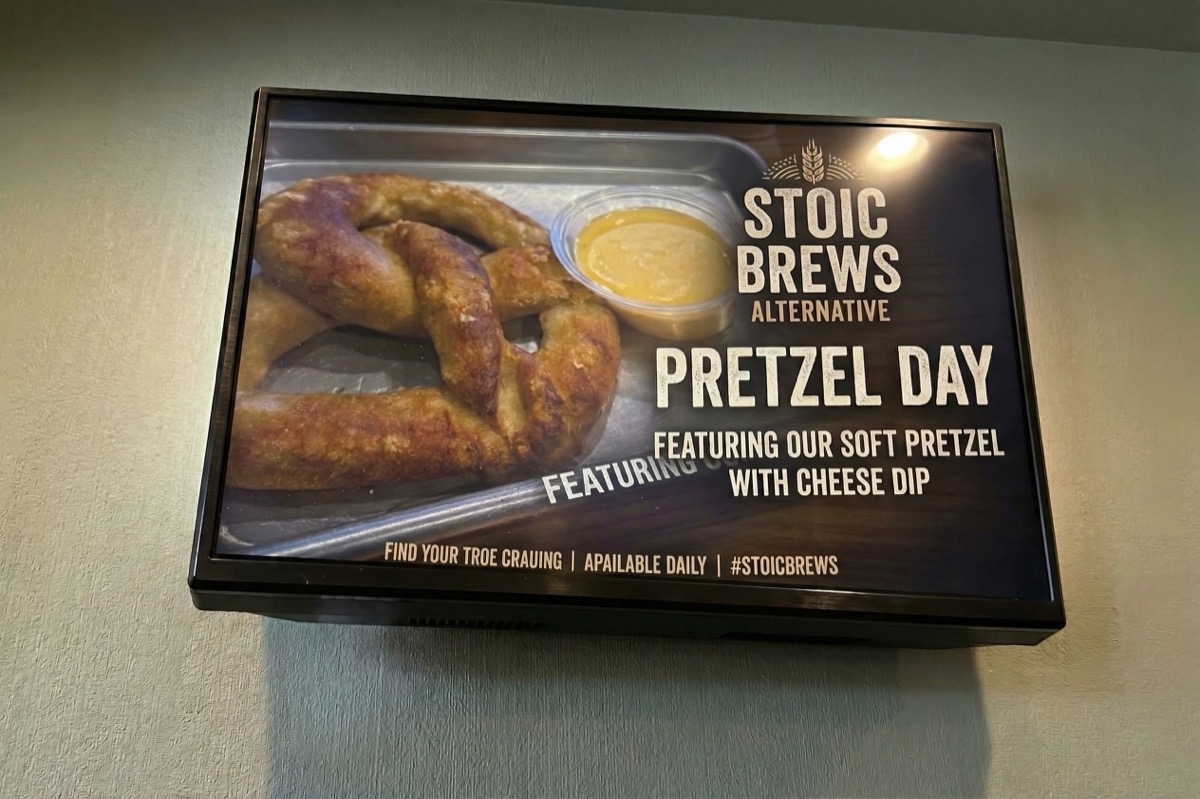
Pretzel spotlight
Limited-time snack promo
A hero layout built from your product photography, typography, and a venue mood reference so the offer reads clearly at a glance.
Reference assets
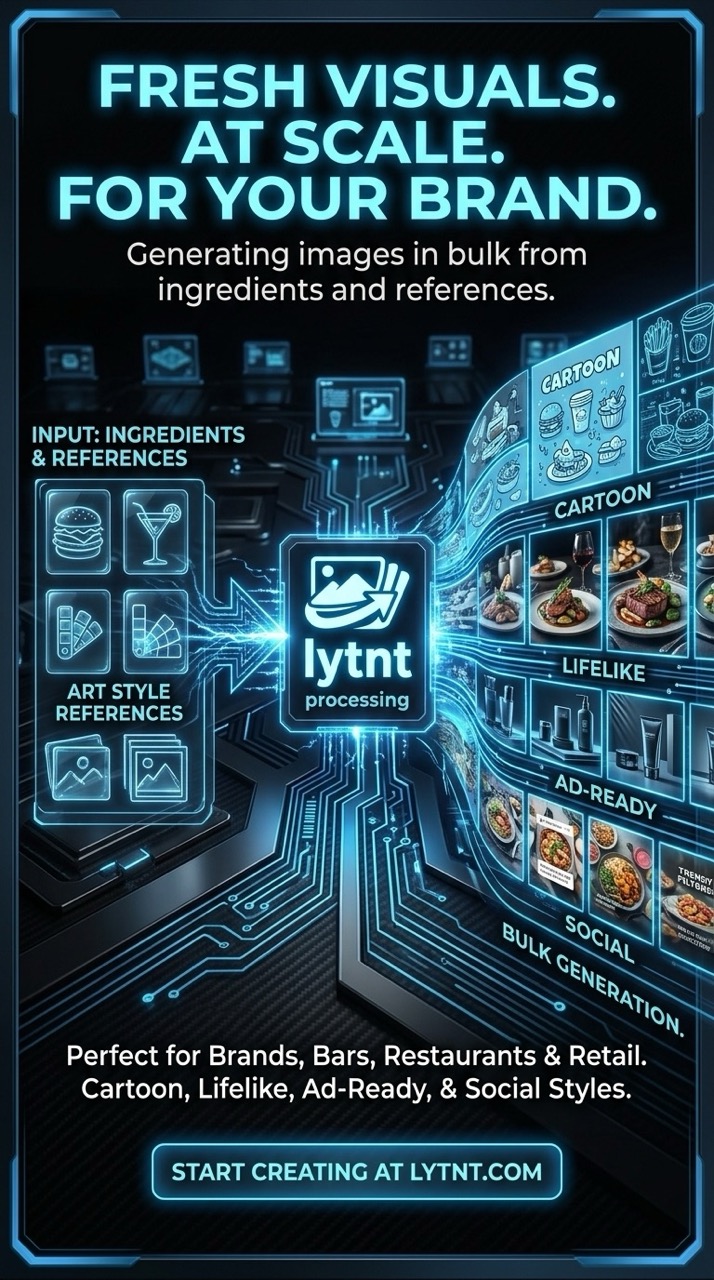
Campaign-ready output. Turn your library into ad-quality visuals. Start from real product and brand references, then generate polished concepts your team can ship—without losing consistency.. Highlights: Brand references, Creative direction, Repeatable looks.
Start from real product and brand references, then generate polished concepts your team can ship—without losing consistency.
lytnt is a local-first macOS workspace that organizes assets into reusable references—so generation and iteration stay fast, secure, and repeatable. Available now on the Mac App Store.
Organize assets by client, brand, or campaign so your team generates with the right references every time.
Upload once, tag everywhere, and quickly find the references you want to reuse in new generations.
Per project, automatically analyze uploads to add useful metadata and keep your library smarter.
Create new variations from a prompt plus project assets (tags and saved media), with asynchronous execution.
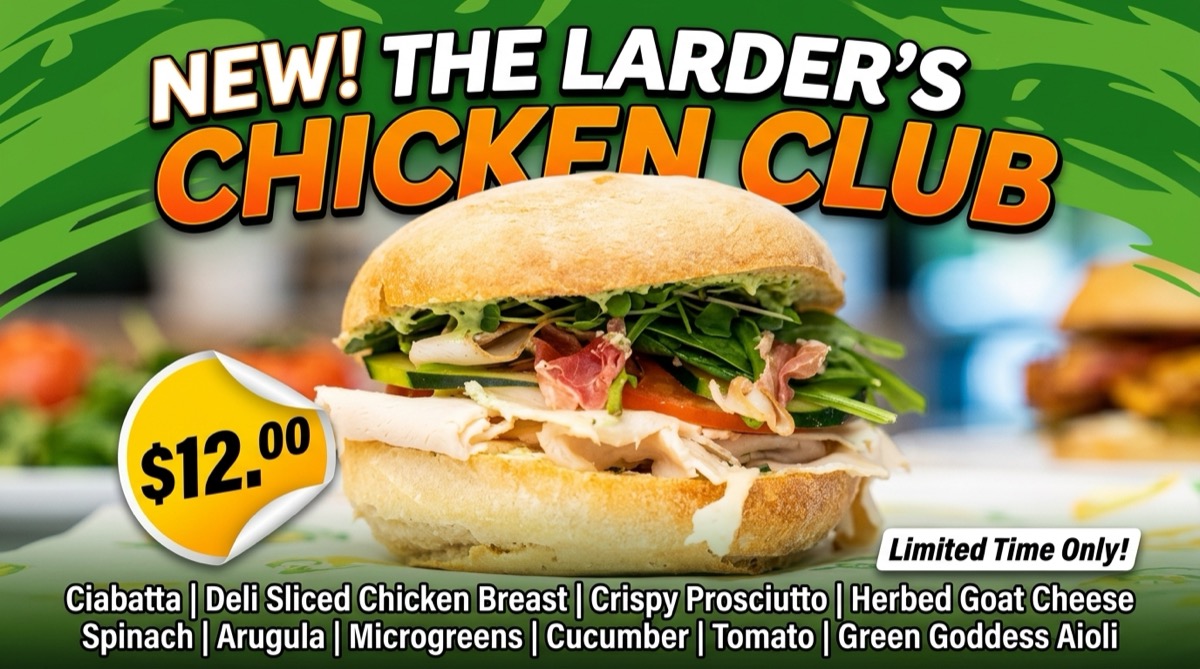
Watch jobs move from submitted to ready and review generated outputs without monitoring a live process.
The end-to-end flow is designed to feel like a repeatable workflow—not a one-off experiment. Follow the path from library to new creative (placeholders below—swap in product shots when ready).

Set up a workspace for the client or campaign so assets and jobs stay organized.
Add reference images to the project library—the foundation for everything you generate.
Turn uploads into a searchable reference library with tags and quick visual browsing.
Describe what you want and attach media or tags so generation stays on-brand.

Queue work asynchronously and follow status from submitted through to ready.

Compare outputs, then refine prompts or references for the next round of variations.
Each example pairs a finished output with the reference assets that informed the generation—swap in your own library shots anytime.
Limited-time snack promo
A hero layout built from your product photography, typography, and a venue mood reference so the offer reads clearly at a glance.
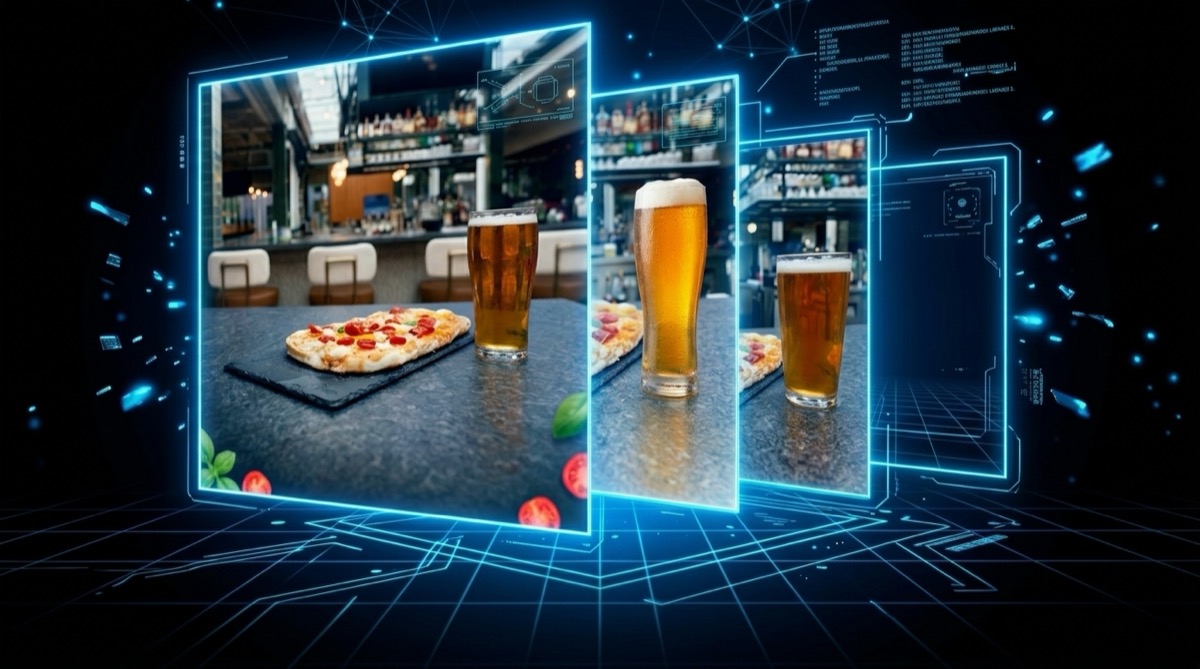
Pour and glassware story
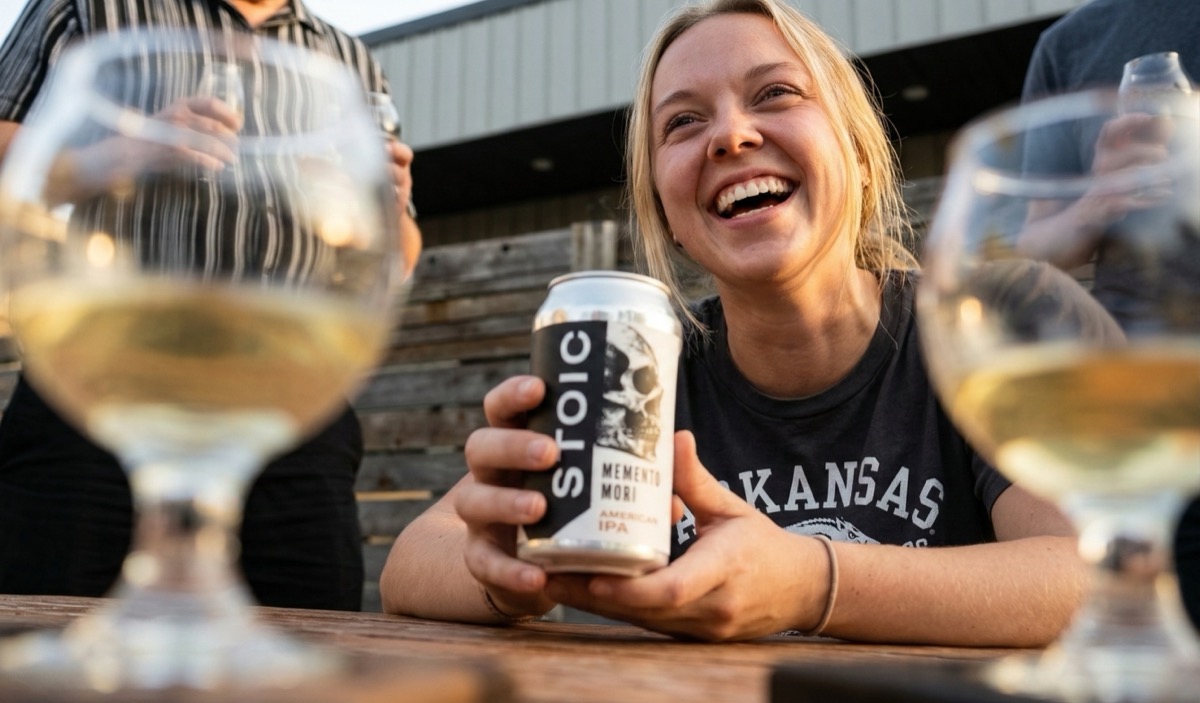
Combines bar environment shots with brand color cues and a second product angle so the scene feels cohesive, not stock.

Pistachio retail moment
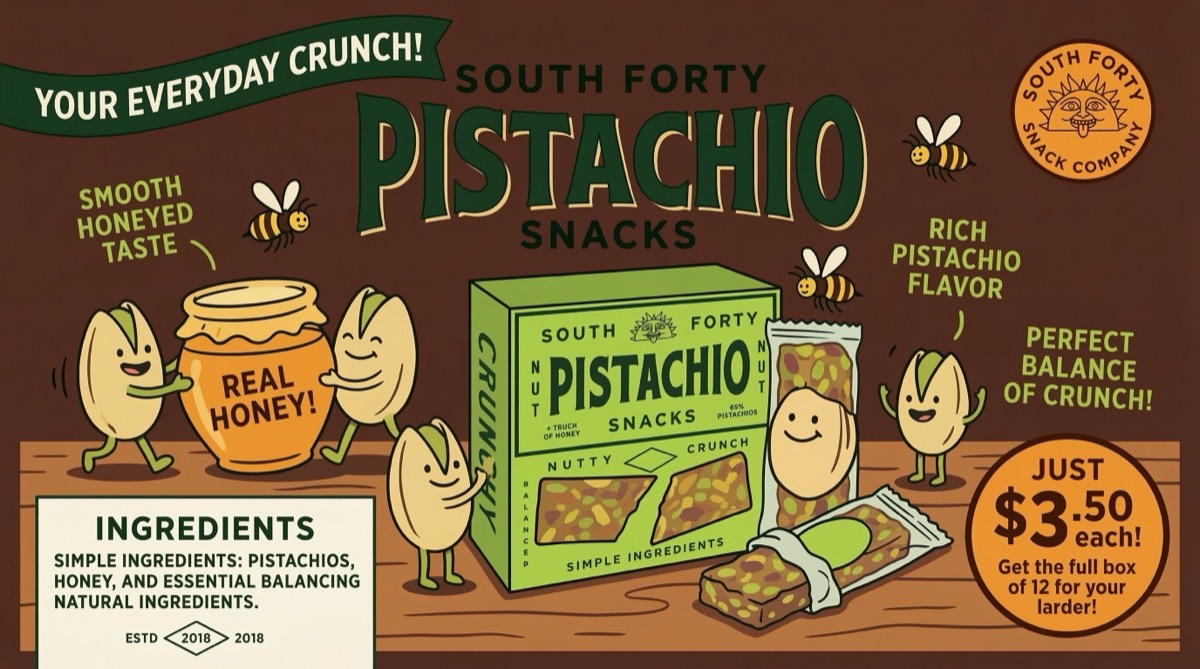
Pulls from pack shots, ingredient macros, and a complementary lifestyle frame to keep packaging legible in a busy layout.
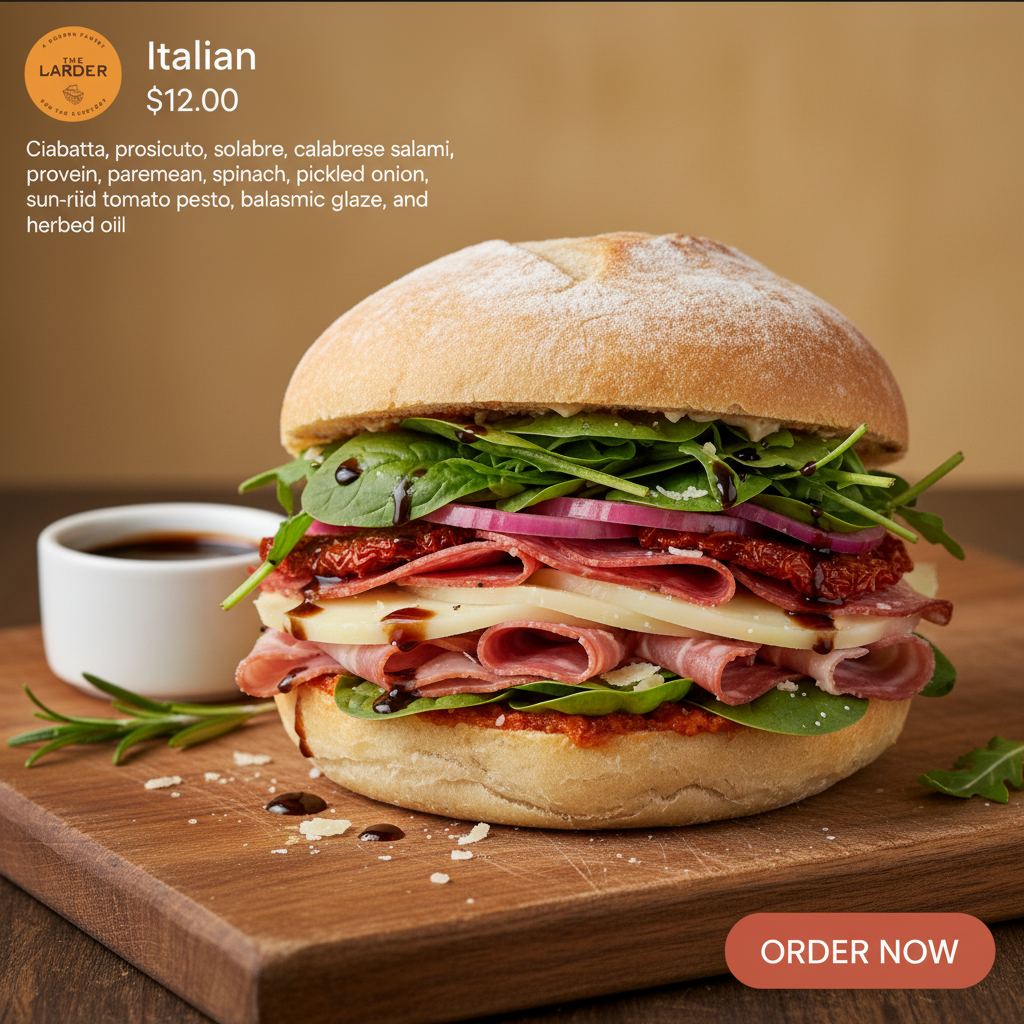
Deli-forward campaign frame
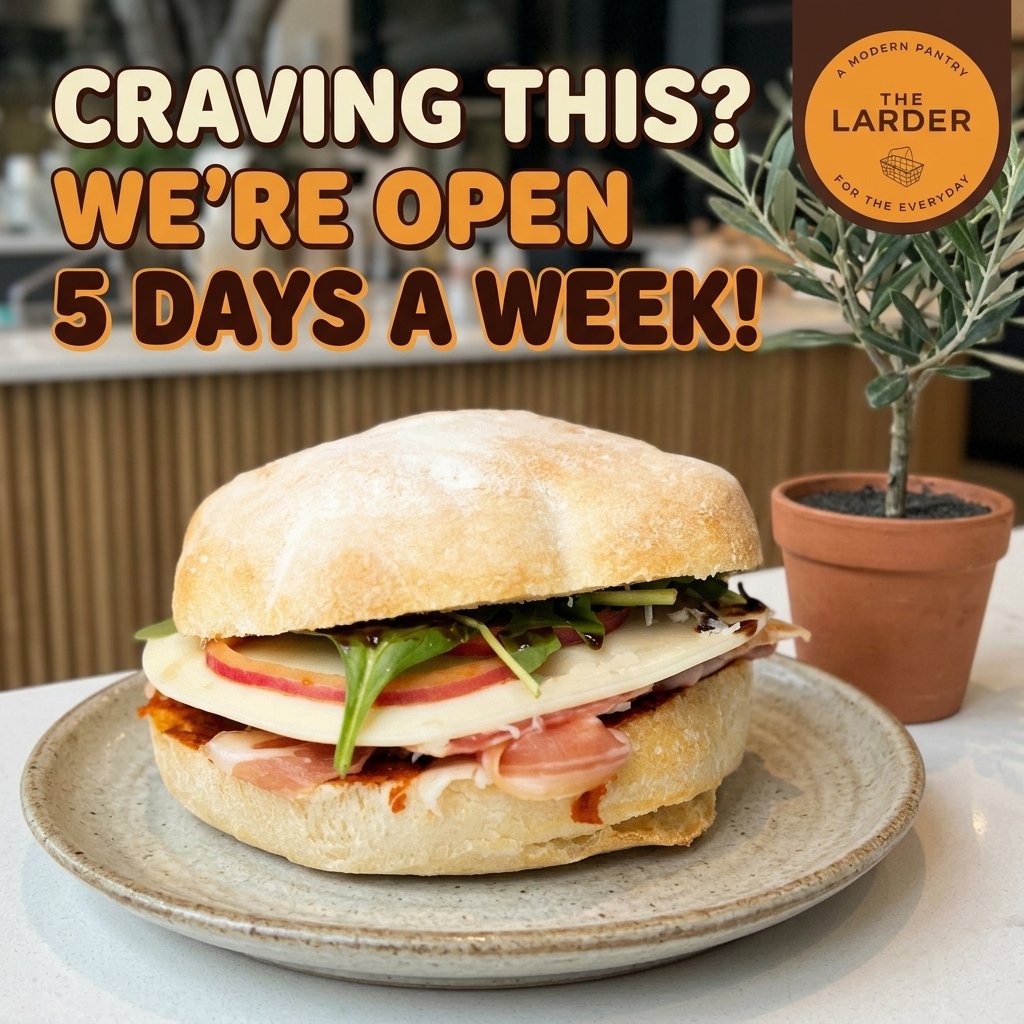
Layers bread texture, filling close-ups, and a typographic reference from your library so the ad matches in-house creative.
Evening plate and drink pairing
Uses your flatbread plate, beverage glass, and ambient lighting references to land a warm, social tone without reshooting.
Storefront and menu pairing
Merges signage, sandwich hero, and brand type samples so time-sensitive messaging stays on-brand across channels.
Italian line card
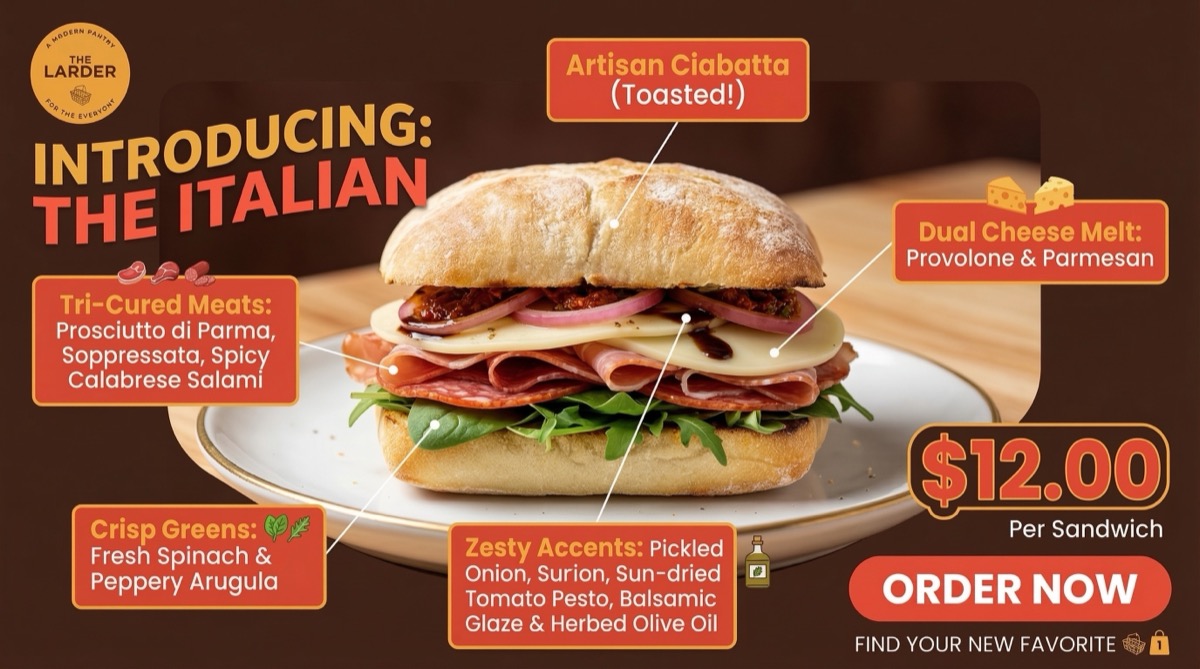
Built from individual SKU shots and label details so each tile matches your real packaging when campaigns scale.
Stacked sandwich hero
Stacks bread, protein, and garnish references with a campaign frame from your gallery so the bite looks consistent everywhere.
Get consistent, repeatable creative output using your existing media, stored entirely on your own machine. Download Lytnt from the App Store and start creating projects in seconds.